



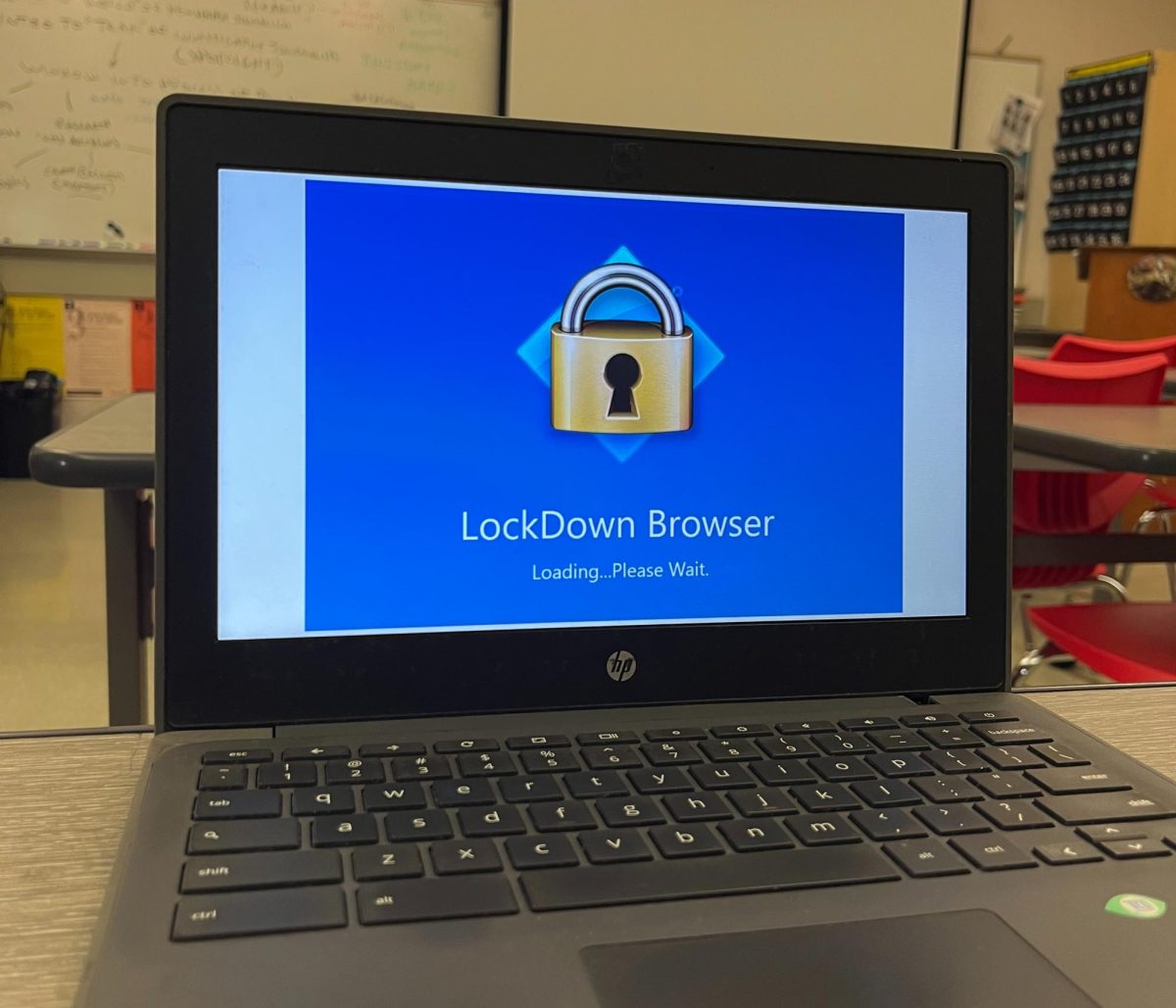
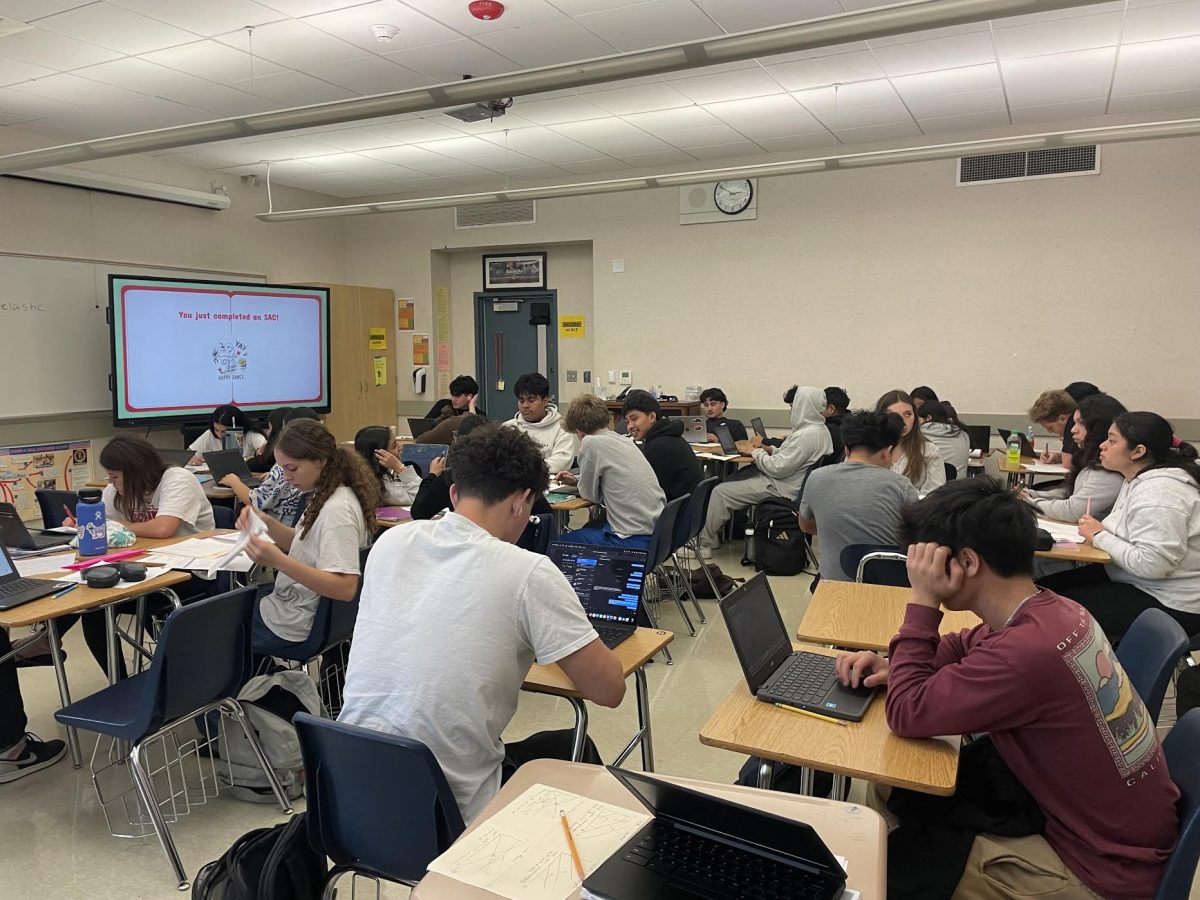


















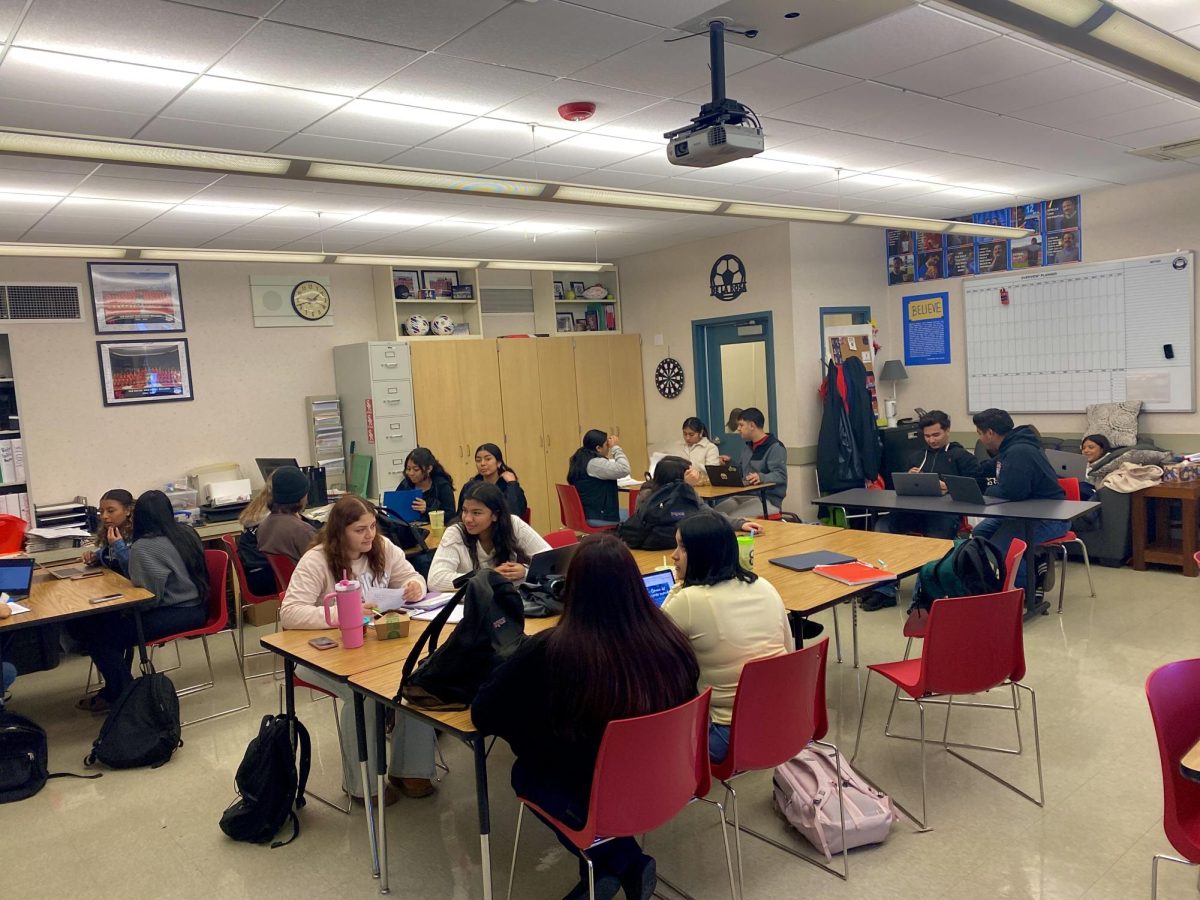
This 2025-2026 school year, San Rafael High School implemented a new policy banning the use of personal laptops and requiring every student to use only a school-issued Chromebook. As a student who relies on my personal computer to stay organized, complete assignments on time, work, and manage my time efficiently, this policy has impacted my learning experience in ways that feel unnecessary and counterproductive. While I understand the school’s concerns about fairness, security, and testing, I believe SRHS should create a more flexible policy that still maintains equity and safety while allowing responsible students the option to use their own devices.
Many students, not just me, feel held back by slow, outdated Chromebooks that often lag, freeze, and fail to connect to essential platforms. For many students, their parents have invested in a personal laptop specifically so they can keep up with school, and other students have saved up and purchased their own devices. Either way, these are tools that families choose to provide because they believe they would support their child’s learning.
Students who have access to these higher-quality devices deserve the opportunity to use technology that allows them to perform at their best. Across interviews with students, there is a consistent theme: lagging screens, delayed typing, and unstable Wi-Fi that disrupted the flow of learning.
A sophomore at SRHS, my cousin Nhu Le, described moments when her typing wouldn’t appear on the screen until several seconds later, causing her to duplicate lines and lose focus. “This policy has affected me negatively because my Chromebook keeps lagging, and the teachers keep removing the tabs that I need to be in or limiting me to three tabs only. It’s suffocating,” said Le.
Heidi Lopez, a senior at SRHS, invested in a brand-new laptop for school, only to be told she couldn’t use it. When asked what her thoughts were on the school’s new no personal device policy, “I bought a new computer for school, and now that they banned it, I have to use a really old Chromebook. So I’m mad,” said Lopez.
Students in AP classes, dual enrollment courses, and the college application season face even more challenges. Yaneidi Ordonez and Astrid Carranza shared how they are forced to carry both their Chromebook and their personal laptop because the Chromebook can’t access certain portals or log into email accounts needed for college applications.
The school recommends using a personal email for college applications, yet the Chromebooks block access to anything outside the district account. Sofia Sanchez, a senior at SRHS, said, “They’re preparing you for college, but you can’t even do the college things on your Chromebook.”
This is more inconvenient because it directly affects academic performance. Many students use their personal laptops to stay organized, take faster notes, manage tabs, and work more smoothly. Francisco Ricalday, a senior at SRHS who had used his personal computer for years, explained that he knows exactly how to organize his files and navigate his device quickly. Using the Chromebook, “I feel like I’m being held back,” said Ricalday. Hard-working students are losing the ability to use the tools they’re most efficient with because some other students misuse technology.
A history teacher at SRHS, Mr. Daniel Allen, stated that students who waste time will always do so, regardless of the device. “If the students actively put in the effort to waste their time, then that is on them,” said Mr. Allen. “I don’t believe that someone’s Apple computer is the reason that our school Wi-Fi isn’t working,” said Mr. Allen. To him, the Wi-Fi is slow regardless.
Mr. Dominguez, the principal of SRHS, expressed concern about fairness during assessments and said the district wants all students to use the same device during standardized testing. He also noted that personal devices sometimes create security risks and make it harder for staff to manage the network.
These are real concerns. Even Mr. Dominguez acknowledged the weakness of the Chromebooks themselves. “I understand why they would move to this model, but the Chromebooks are unreliable,” said Mr. Dominguez. He admitted that he had asked the district if the school could upgrade to a better laptop, only to be stopped by budget restrictions.
Students reported that the Wi-Fi is still slow this year, proving that banning personal computers didn’t fix the core issue. If the school’s goal is fairness and focus, some alternatives don’t require taking away personal computers, an instrument that helps students succeed. Allowing the option to use a personal device with guidelines that would meet the needs of students and administrators.
A compromise could include privileges for upperclassmen, such as allowing juniors and seniors to use their personal devices in classes that rely heavily on technology, such as AVID, engineering, music production, college applications, or dual enrollment students. Although it’s true that teachers can’t view a student’s screen on a personal device through Securly, the school Wi- Fi filter would still restrict access to blocked sites regardless of the device being used. Administrators would still maintain control over major distractions and security concerns.
As Sanchez pointed out, if the real issue is students going off task, the Wi-Fi filtering system already handles that: “If they’re going to block something, just do it on the Wi-Fi. They don’t have to take away the computer,” said Sanchez.
This policy affects more than convenience. It impacts how we learn, how we prepare for college, and how we manage our work. Technology is not going away; in fact, it plays an increasingly significant role in education every year. If schools truly want to prepare students for the future, they should encourage students to learn how to use their own devices responsibly, rather than limiting them to outdated tools.
Imagine typing an essay during class, but your computer freezes or lags with every sentence. Imagine investing in a quality computer to improve your academic performance, only to have it taken away the moment you try to use it. That was my experience, and it’s the reality for many students at SRHS. SRHS should trust students who genuinely want to learn and provide them with the option to utilize tools that help them perform at their best.
