
























Imagine you have many important tabs open on your computer. One group for English, another for math, a few others for a language you’re taking, when all of a sudden, they evaporate in front of your eyes. Without warning, important parts of your learning have vanished without a trace. This is the new reality for students at San Rafael High, thanks to the newly implemented lockdown browser.
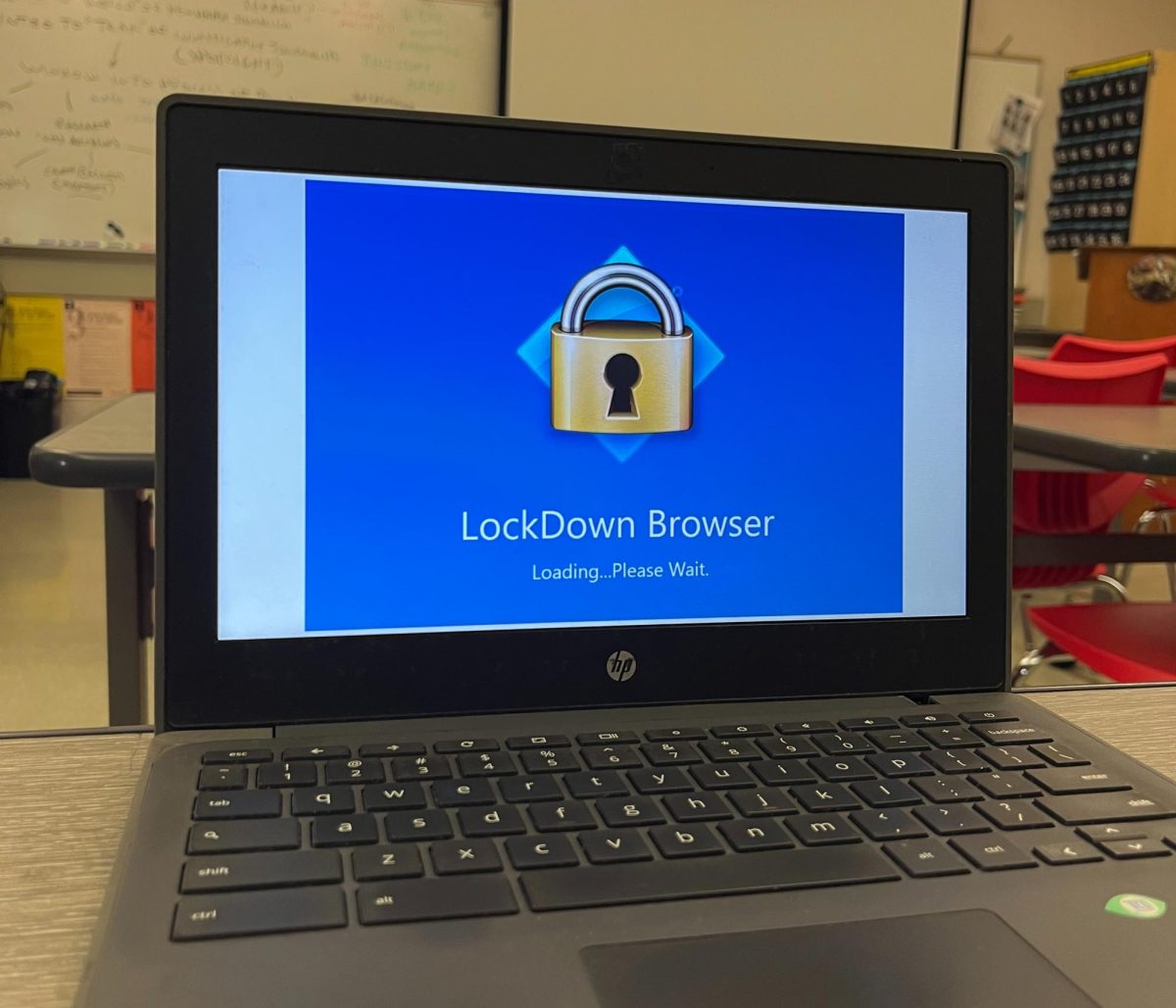
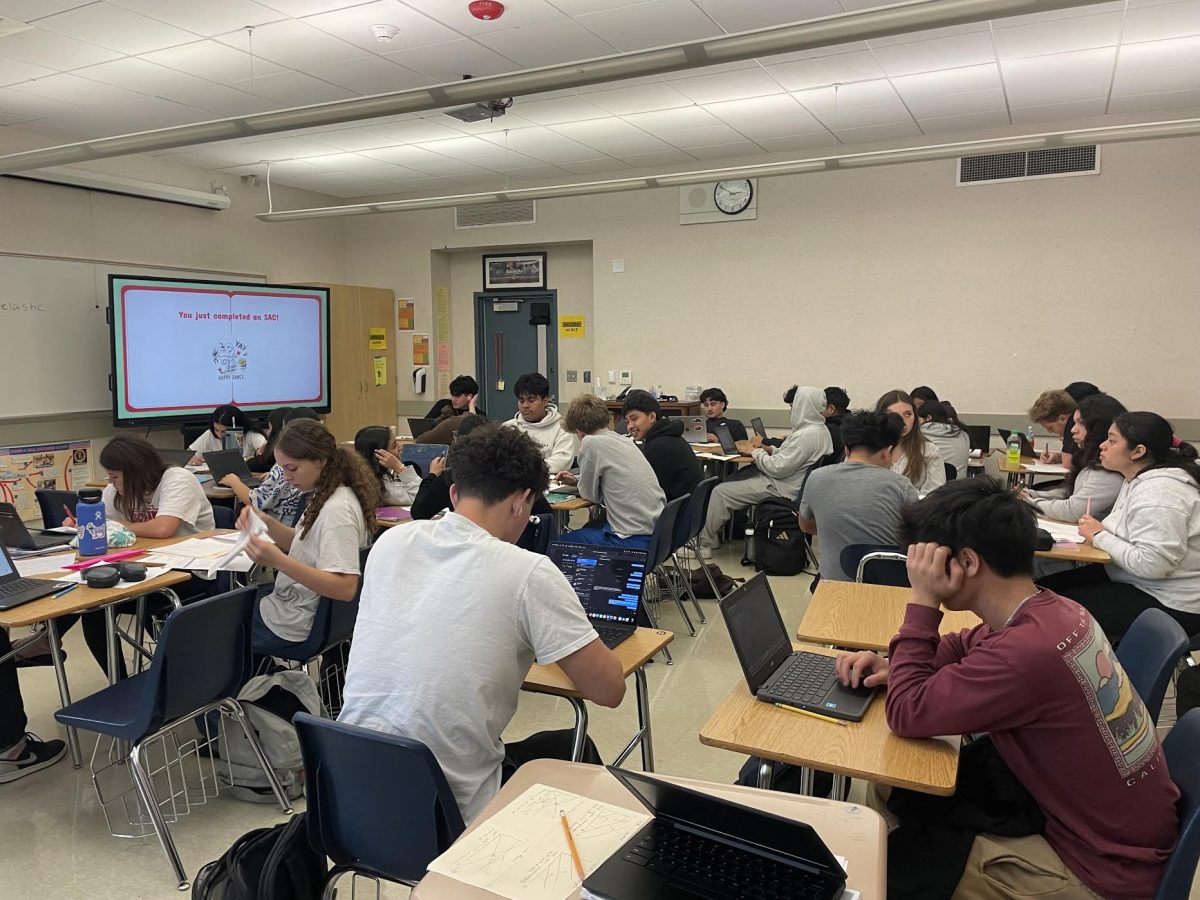
The lockdown browser in question, called Securly, is new to the students’ and teachers’ lives, and this has shown through the numerous growing pains that have surfaced so far this year. One of the common things teachers do is restrict students to two tabs and monitor them harshly. Unfortunately, the teachers will forget to disable the browser, and they will remain on for hours at a time, completely restricting our computer access, even outside of school hours
“Most of my classes require work on the computer,” says Nate Blumin, a senior at SR. “With this browser, the number of classes I can work on at once is heavily limited.”
Another problem seen through firsthand experience, and numerous reviews, is the overall slowness of the app. Due to it being an extension, it uses the local devices and wifi to function. The slow Wifi leads to many of the already woefully outdated Chromebooks that the school provides to basically become a brick. It would be wonderful if students could bring their own personal devices, which Securly says are compatible with their browser, but the school went and banned them due to a lack of control over the students’ activity.
However, despite all these issues, the school was left to this rash decision due to the lack of maturity and responsibility that their students have shown. While the browser is frustrating and difficult to work with, I will admit that it is doing its job, which is probably why students despise it so much.
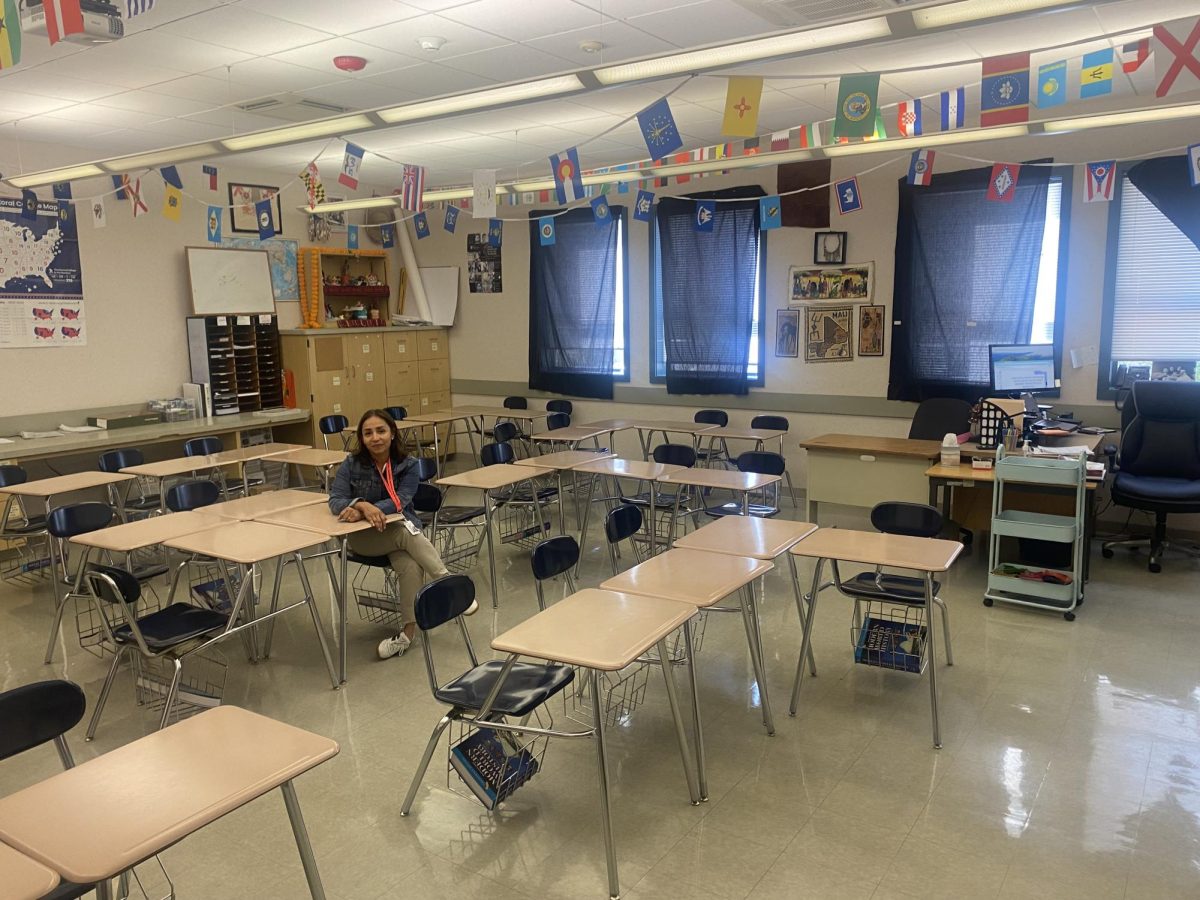
Back in freshman year, there were limitless things to do on the school computers. There were streaming services, games, and YouTube. You name it, there was a way to access it. The layouts of these classrooms, with the students’ screens facing away from the teacher, provided ample cover to abuse these sites during class time.
This severely affected the scope of the teachers’ lessons, as kids were too busy playing Rooftop Snipers or Basket Random to care about the assignment. After all, why would they when they have unlimited access to the internet? This created a difficulty for teachers, as using the computers benefited them. They no longer had to make hundreds of copies of an assignment, reducing the paper waste. They also did not have to read the hieroglyphic handwriting of the students. That was all wasted, however, if there was no way to contain the students.
This is when the first ideas of a lockdown browser came to be. In my Junior year, we started to use a built-in browser for Canvas. It was trash. Constantly deleting students’ progress, being difficult for the teachers to use, and creating more problems than it solves. “I don’t like it very much,” says Mrs. Sulem, an SRHS teacher, when asked about this particular browser. “It seems like there is always an issue with some of the students, an update or something, so I stopped using it.”
After the disaster class that was the Canvas browser, a new one was implemented, called Securly. This allowed the teachers to have more access, with better functionality. Ms. Sulem prefers this one, saying, “You can review every single website they access, and how long they stay there.”
Students, though, have done their very best to attempt to avoid the restrictions of the new browser, but Securly has built in a way to counteract that as well. Initially, to block a website, teachers would need to have an administrator block it. Now, with one click of a button, the page becomes inaccessible to all students, allowing the shutdown of unproductive activity.
Overall, the effectiveness of this browser is clear. Students are not fans, which means it’s working. While there are some small kinks to work out, the goal of the site is clear: keep students on task and teachers in control. And this year, annoyingly, it has worked quite well. The lockdown browser continues to show why it is necessary, and should stick around.

